

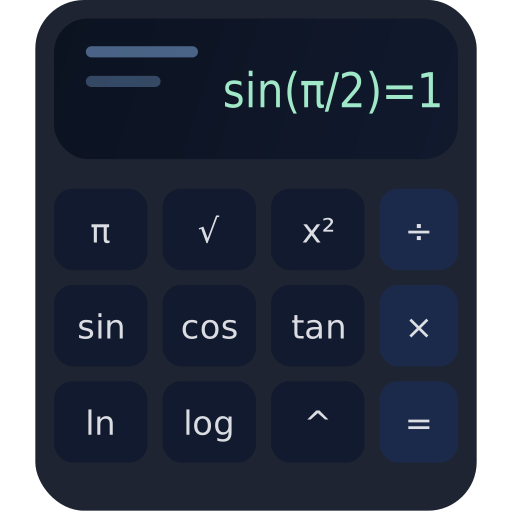
Scientific Calculator
- Moodle 1.9–5.1
- 更新 2026-10-16
This plugin adds a modern, responsive Scientific Calculator activity to Moodle, with functions such as trigonometry, logarithms, powers, square roots, and factorials, performing all calculations in the browser using a safe parser (no eval) and a Bootstrap-based interface integrated with Moodle.
Scientific Calculator
This is a Moodle activity module that adds a clean, fast, scientific calculator directly inside your course – perfect for math, physics, engineering, finance, and STEM training where students need a reliable tool without leaving the LMS.
What the plugin solves (in practice)
In many courses, students constantly switch tabs to external calculators. This activity keeps them focused, consistent, and productive – with a calculator always available inside Moodle, without relying on third-party sites or extensions.
Calculator inside the course
Students can compute expressions during lessons, quizzes, and homework – without leaving Moodle.
Scientific functions included
Trig, logs, powers, roots, factorial, constants and more – accessible with one click.
Safe evaluation (no eval)
Expressions are parsed and evaluated using a controlled algorithm – safer than typical eval-based calculators.
Simple history & reuse
A local calculation history lets students click results to reuse them instantly.
Best part
It works as a regular activity: add it once to the course and students can use it immediately – no extra accounts, no external sites.
How it works
The activity renders a Mustache template and loads a lightweight AMD module that handles input, parsing, and calculation entirely in the browser (client-side). That means fast interaction and no server load for each key press.
Rule of thumb
Type an expression → press Enter or = .
Functions insert as sin( , sqrt( , pow( to speed up usage.
- 1.0.14Moodle 4.0, 4.1, 4.2, 4.3, 4.4, 4.5, 5.0, 5.1, 5.2, 5.3
- 1.0.9Moodle 3.10, 3.11, 4.0, 4.1, 4.2, 4.3, 4.4, 4.5, 5.0, 5.1, 5.2
- 1.0.6Moodle 1.9